




Shopify Debut Theme Examples in October 2026
This page was last Updated on 1st October 2026
Explore our curated list of Shopify Debut Theme examples, showcasing the best Shopify Debutify theme stores from October 2026. Discover inspiring designs and successful stores that utilize this versatile theme effectively!
Store | Theme | Store Creation Date | Social Channels | Ads Channels | Active Products | Sold Products Est. | Revenue Est. | Analyze |
|---|---|---|---|---|---|---|---|---|
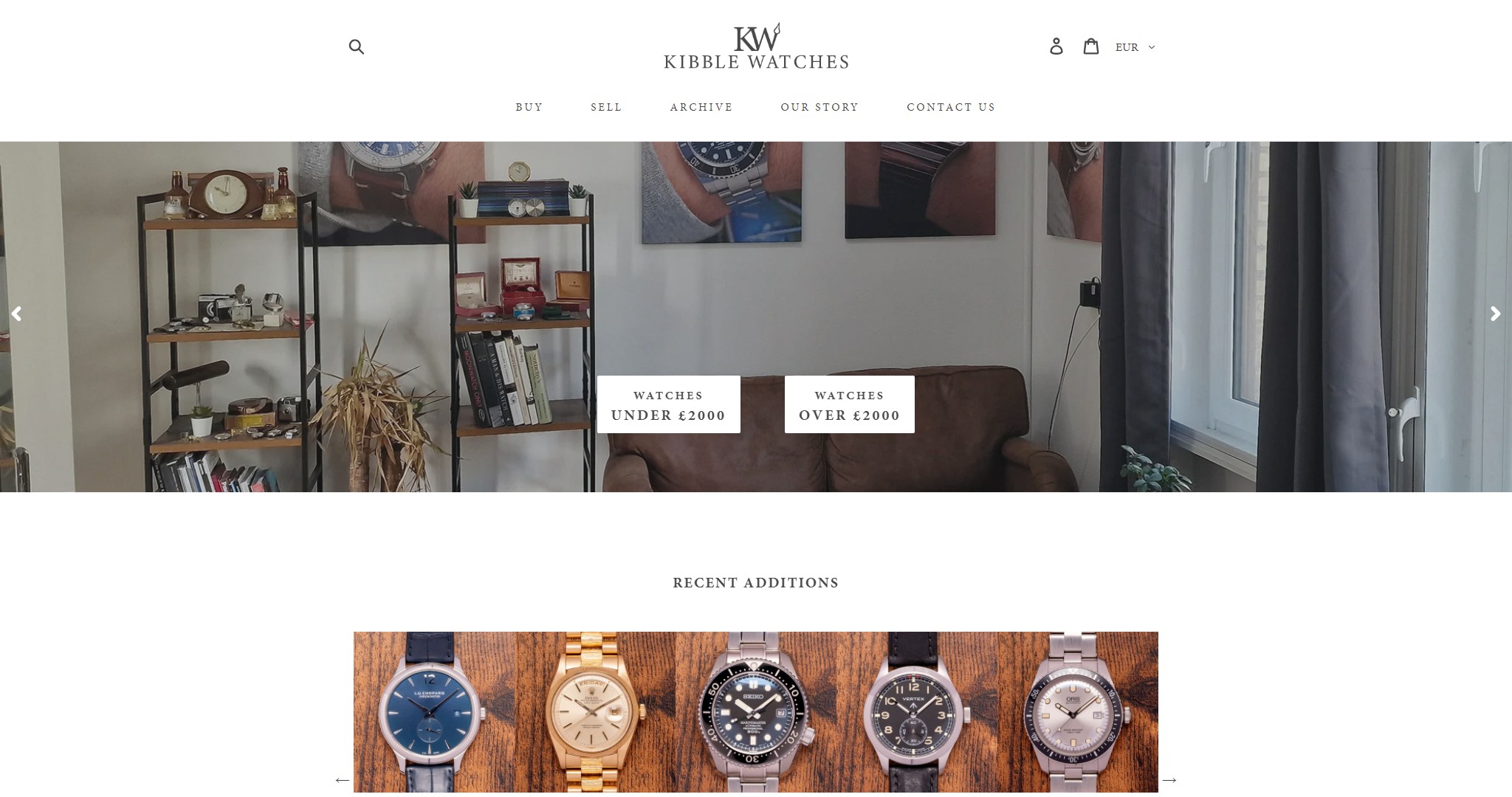 KibbleWatches kibblewatches.co.uk | Debut | 08 Dec 2019 | - | xx.xx | xx.xx | $ 13M | ||
 harrychadent.nl harrychadent.nl | Debut | 26 Sep 2021 | - | xx.xx | xx.xx | $ 12M | ||
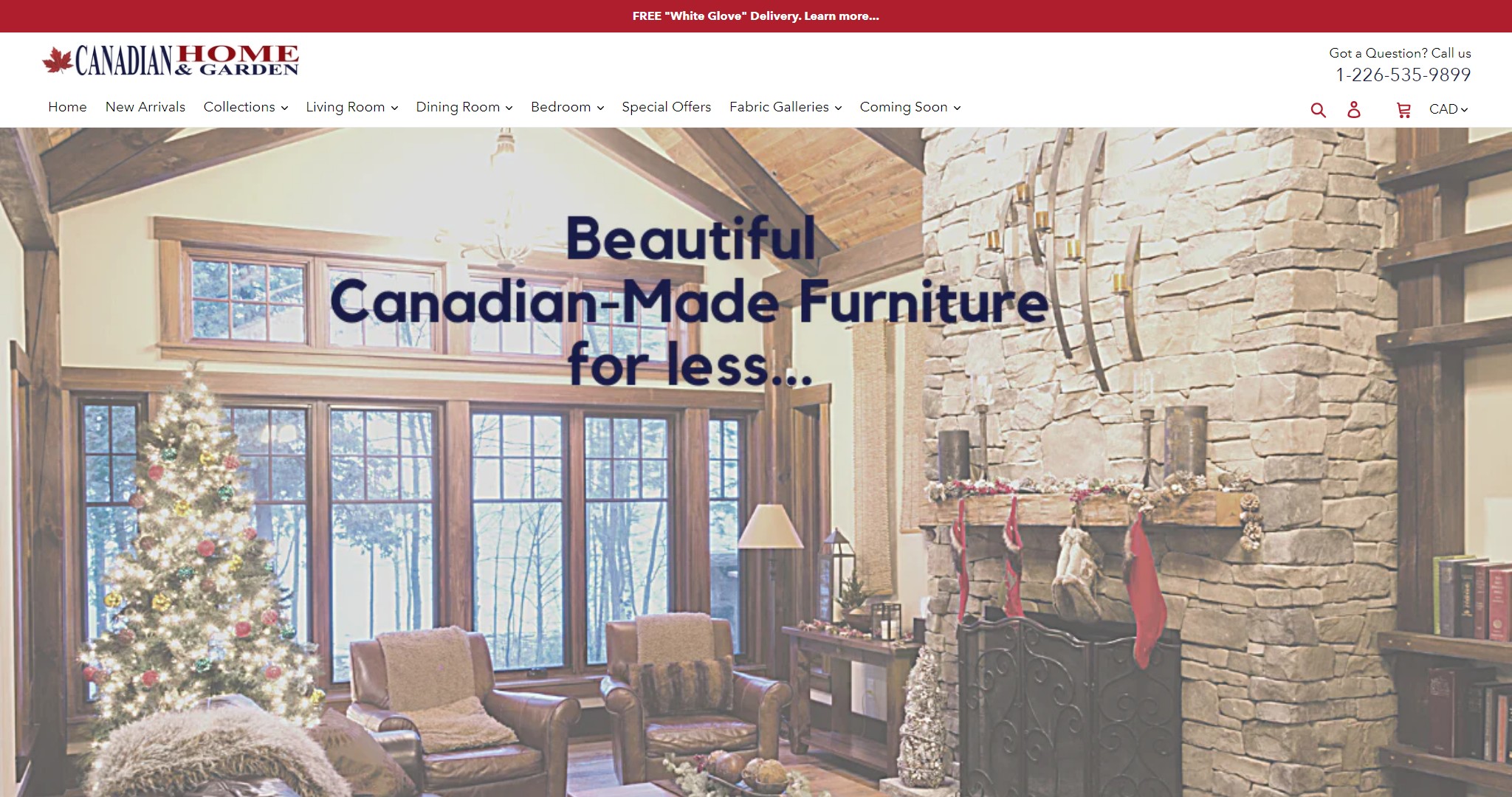 Canadian Home and Garden canadianhomeandgarden.ca | Debut | 13 Jun 2020 | xx.xx | xx.xx | $ 11M | |||
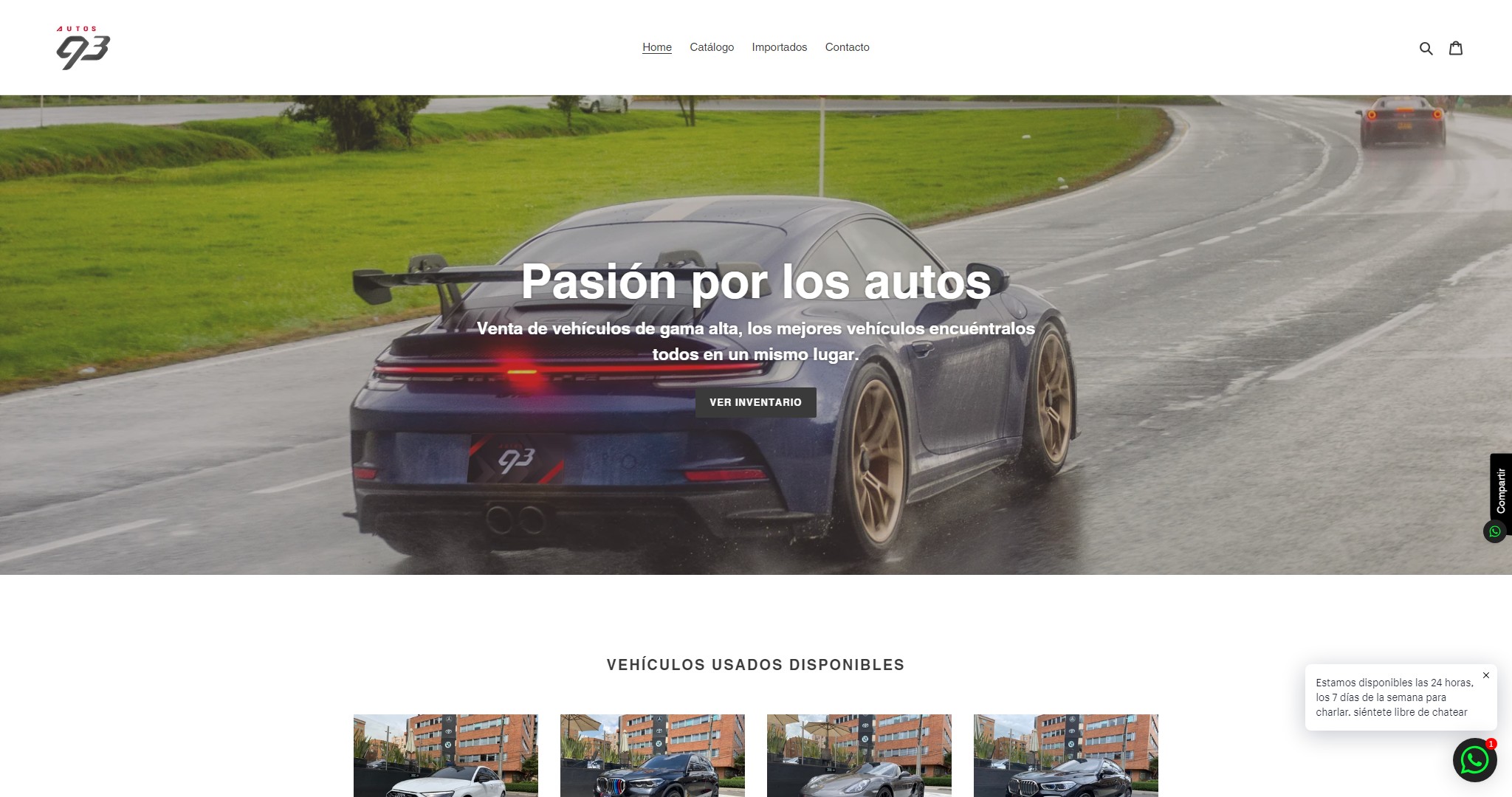 Autos 93 autos93.com | Debut | 17 Mar 2020 | - | xx.xx | xx.xx | $ 11M | ||
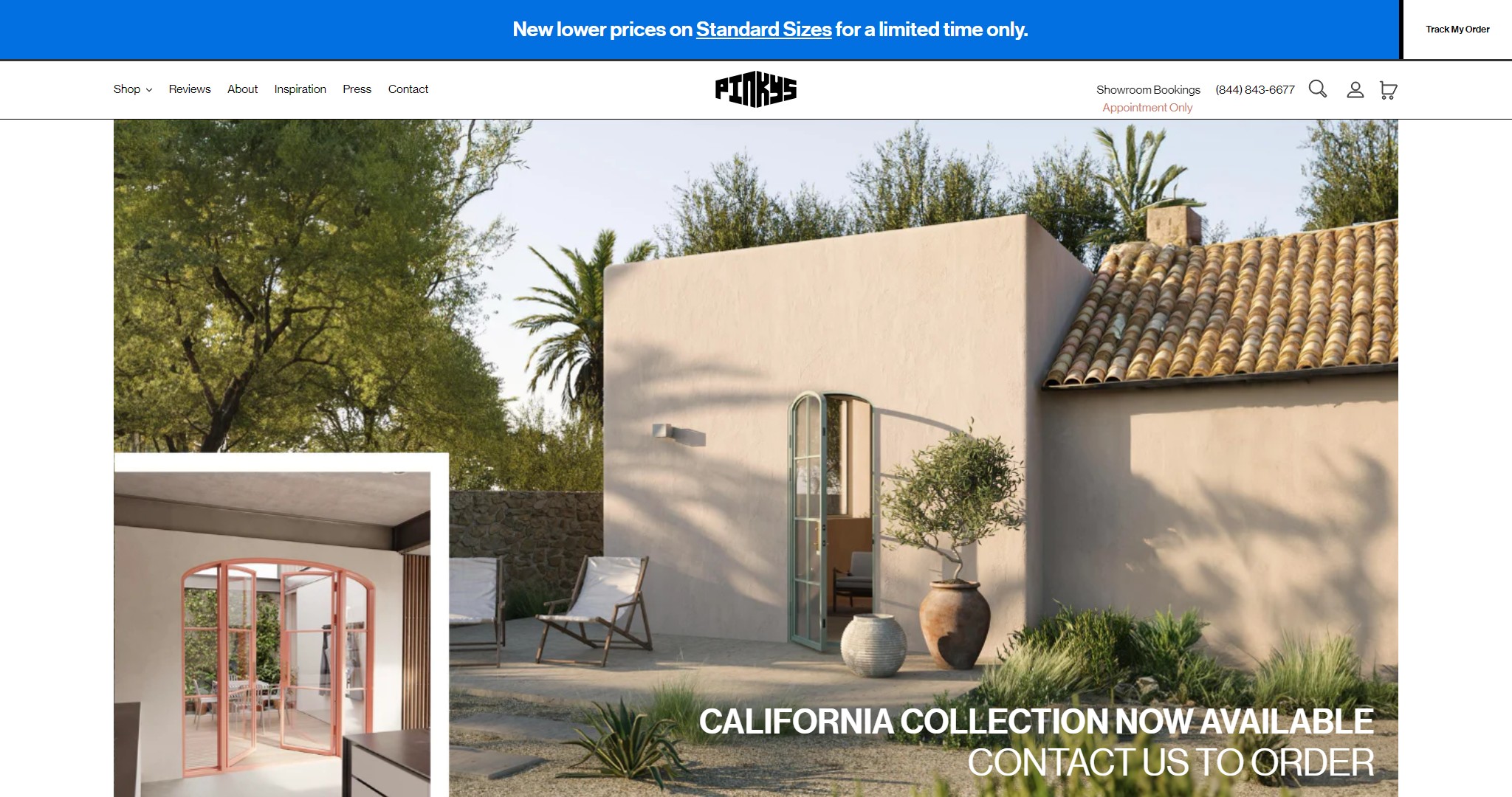 PINKYS pinkysirondoors.com | Debut | 13 May 2019 | xx.xx | xx.xx | $ 10M | |||
Trada Theater Equip tradatheaterequip.com | Debut | 11 Oct 2020 | xx.xx | xx.xx | $ 8.9M | |||
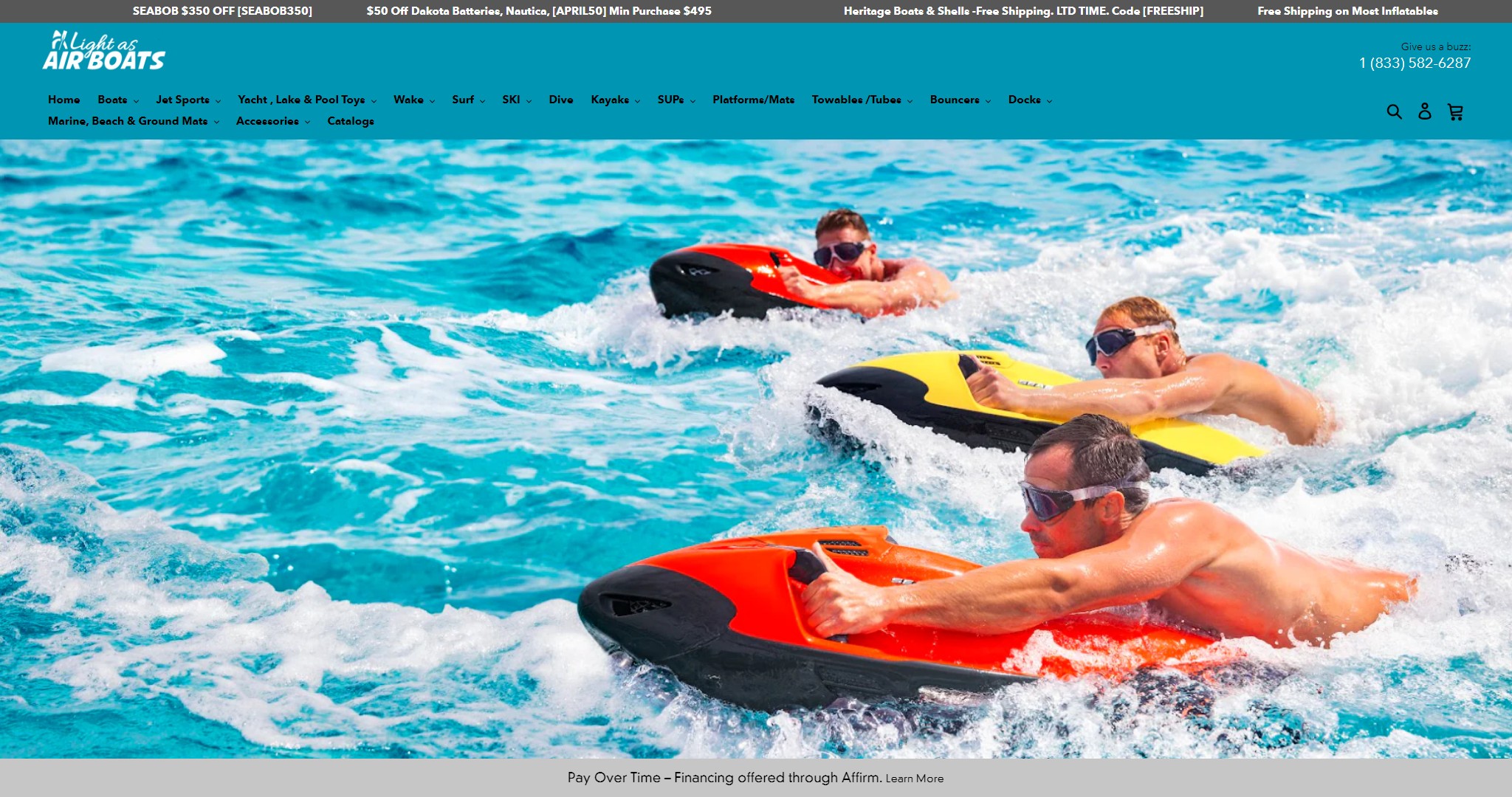 Light As Air Boats lightasairboats.com | Debut | 04 Mar 2020 | xx.xx | xx.xx | $ 7.8M | |||
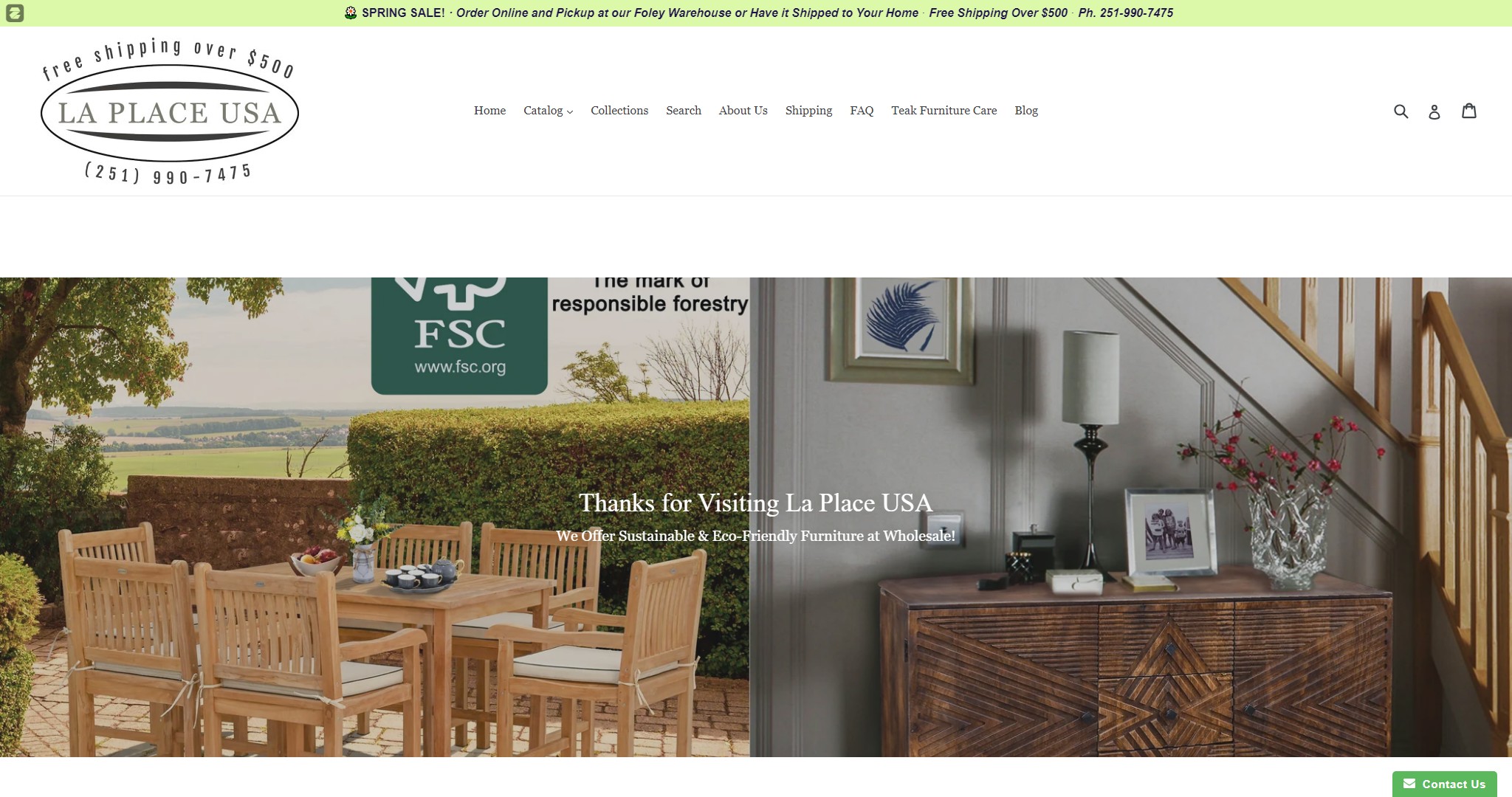 La Place USA Furniture Outlet laplaceusa.com | Debut | 15 Oct 2017 | xx.xx | xx.xx | $ 5.5M | |||
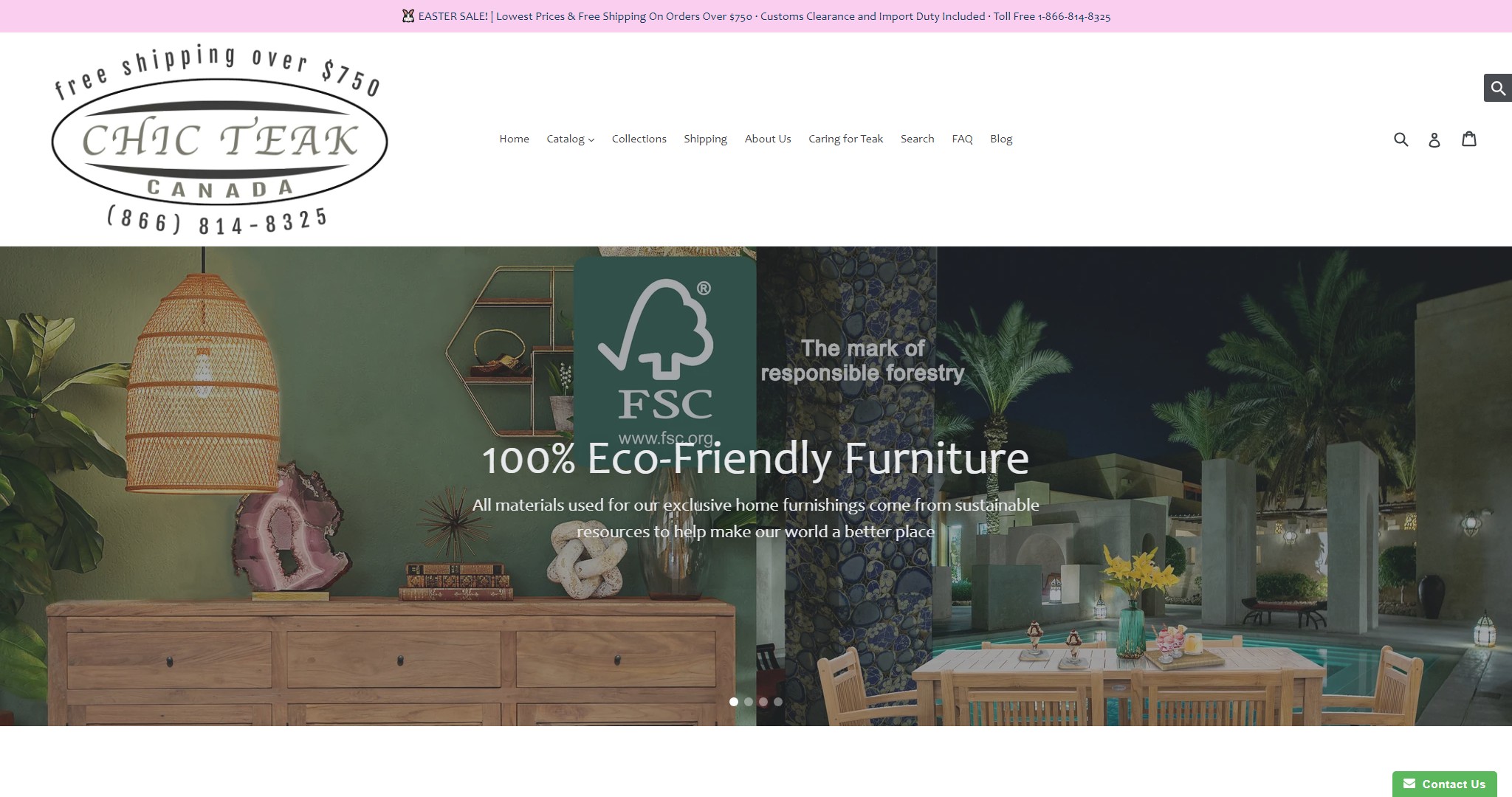 Chic Teak Canada chicteak.ca | Debut | 20 Aug 2020 | xx.xx | xx.xx | $ 4.7M | |||
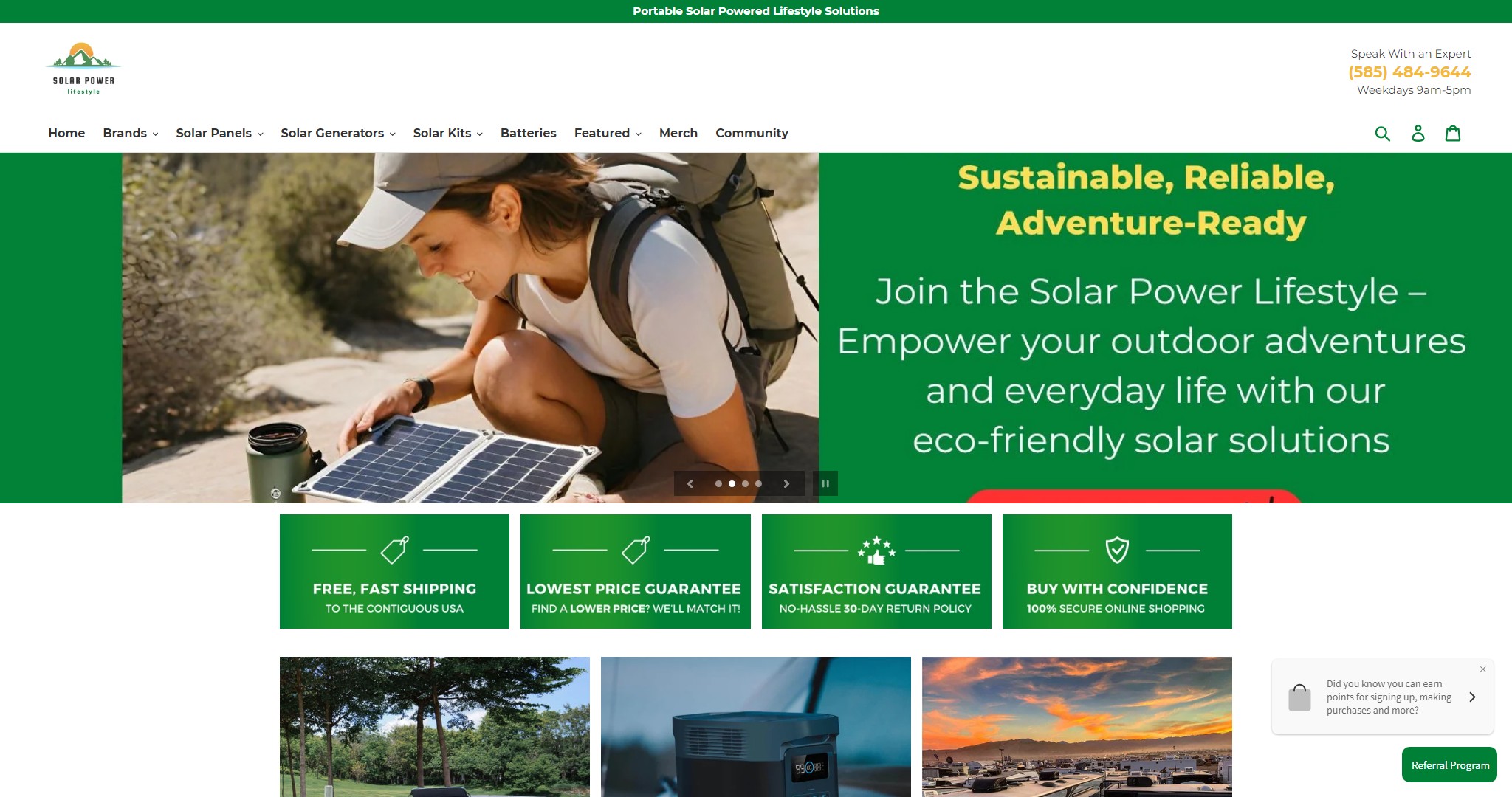 Solar Power Lifestyle solarpowerlifestyle.com | Debut | 17 Aug 2021 | xx.xx | xx.xx | $ 3.9M |
Shopify Debut Theme Examples Frequently Asked Questions
What are Shopify Debut theme examples for October 2026?
Explore our curated list of Shopify Debut theme examples showcasing the best stores that use the Shopify Debut theme. These examples highlight the versatility of the theme and demonstrate how it can be used to create visually appealing, user-friendly, and highly functional e-commerce websites.
Why is the Shopify Debut theme a popular choice?
The Shopify Debut theme is known for its simplicity, flexibility, and ease of use. It offers a clean and modern design with essential e-commerce features, making it perfect for new and growing businesses. The theme's responsive design ensures that stores look great on any device, from desktops to smartphones, which helps improve the user experience.
How can I customize my Shopify Debut theme?
Customizing the Shopify Debut theme is easy through the Shopify admin. You can change colors, fonts, and layouts to suit your brand’s style. Additionally, Shopify’s theme editor allows you to add and rearrange content sections, as well as integrate apps and other features to enhance your store’s functionality.
What types of stores benefit most from the Shopify Debut theme?
The Shopify Debut theme is ideal for a wide variety of stores, from fashion and beauty to tech and home goods. Its clean design and customizable options make it perfect for businesses that need a simple, effective way to showcase their products without overwhelming their customers. Whether you're launching a small boutique or a larger store, the Debut theme can be tailored to fit your needs.
How often are the Shopify Debut theme examples updated?
Our list of Shopify Debut theme examples is updated regularly, typically reflecting the most recent October and 2026 entries. This ensures that you always have access to fresh inspiration from the latest successful Shopify stores that are utilizing the Debut theme.
How do I apply the Shopify Debut theme to my store?
To apply the Shopify Debut theme to your store, go to the Shopify Theme Store, find the Debut theme, and install it. After installation, you can start customizing it directly from your Shopify admin panel. The Debut theme is designed to be user-friendly, so no coding experience is required to make basic changes to the look and feel of your store.