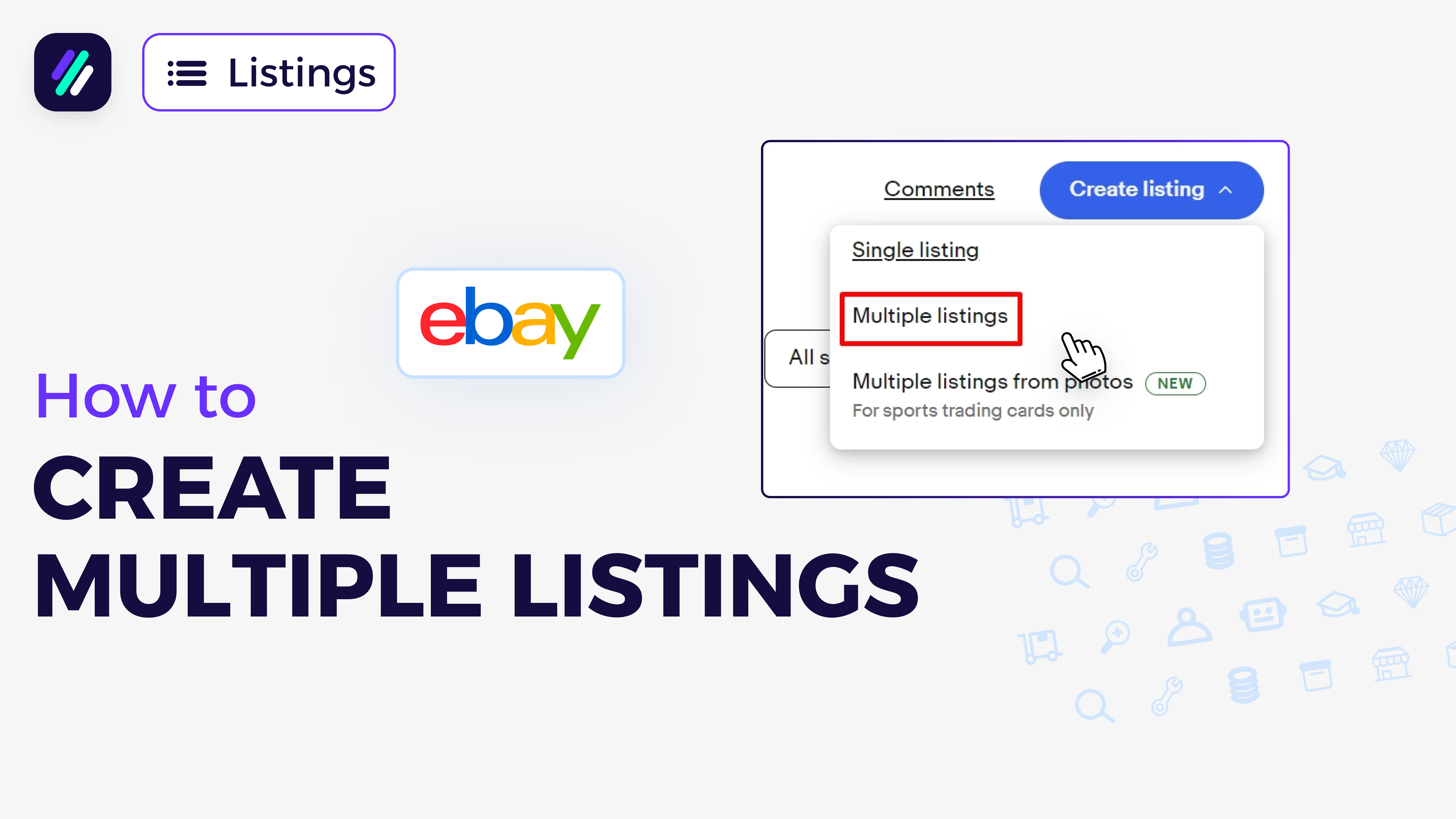
📚 What This Video Covers
1. Manual Listing vs Automation
Goal: Choose the right listing method for your store size.
Manual: best for small inventories, unique/vintage, full control.
Automation: best for dropshipping, high volume, scalability.
Avoid stock/price errors with automation; save hours of work.
✅ Tip: If scaling or dropshipping, prioritize automation tools.
2. Account & Seller Hub Setup
Goal: Get to the correct place to create listings.
Sign in to eBay → Seller Hub.
Listings → Create listing → Continue without match (to avoid inherited errors).
Set product condition (New/Used) accurately before proceeding.
✅ Tip: Copying other listings can import wrong specifics—use with caution.
3. Photos & Media Best Practices
Goal: Increase CTR and trust with clean visuals.
Upload clear images; white background for the main photo.
Shoot multiple angles; include labels/tags for apparel/footwear.
Optional: add short product video to boost conversions.
Tools: Canva/PhotoRoom/Photopea for background removal/editing.
4. Title Optimization with ZIK Title Builder
Goal: Use data‑driven keywords within eBay’s ~80‑character limit.
Search core product phrase to get long‑tail + generic keywords.
Assemble readable, high‑intent titles based on real searches.
Copy optimized title back into your eBay listing.
✅ Pro Tip: Mirror winning terms; remove repeats/fillers.
5. Category, Item Specifics & Variations
Goal: Help eBay index your listing and improve discovery.
Confirm the correct category (auto‑fill or choose manually).
Complete required + recommended item specifics; click “Show more.”
Add variations (e.g., color/size) and assign variant‑specific photos.
✅ Tip: More accurate specifics → more impressions and qualified traffic.
6. Description: Clear, Unique, Conversion‑Focused
Goal: Write a buyer‑friendly description that reduces returns.
Keep key features/benefits, materials, dimensions, compatibility.
Use AI (e.g., ChatGPT) to rephrase supplier text uniquely.
Avoid keyword stuffing; write for humans, not bots.
7. Business Policies (Payment, Shipping, Returns)
Goal: Standardize settings and speed up future listings.
Create reusable policies for payment, shipping, and returns.
Enter package weight/dimensions; set accurate handling times.
Add item location (country, city, ZIP) for transparency.
✅ Tip: Watch the dedicated policies tutorial before your first listing.
8. Pricing, Quantity & Listing Type
Goal: Balance competitiveness with profit.
Buy It Now for daily goods; Auction for collectibles/rare items.
Research market price; avoid pricing too high or too low.
Set initial quantity; update stock as needed.
9. Promoted Listings & Publish
Goal: Boost visibility and finalize your listing.
Enable Promoted Listings for extra exposure (pay only on sale).
Review all details → click “List item.”
Preview live page to confirm images, title, and specifics.
🎯 Watch This If You Want To:
Master manual eBay listings step by step
Decide when to switch to automation
Optimize titles, specifics, and policies for sales